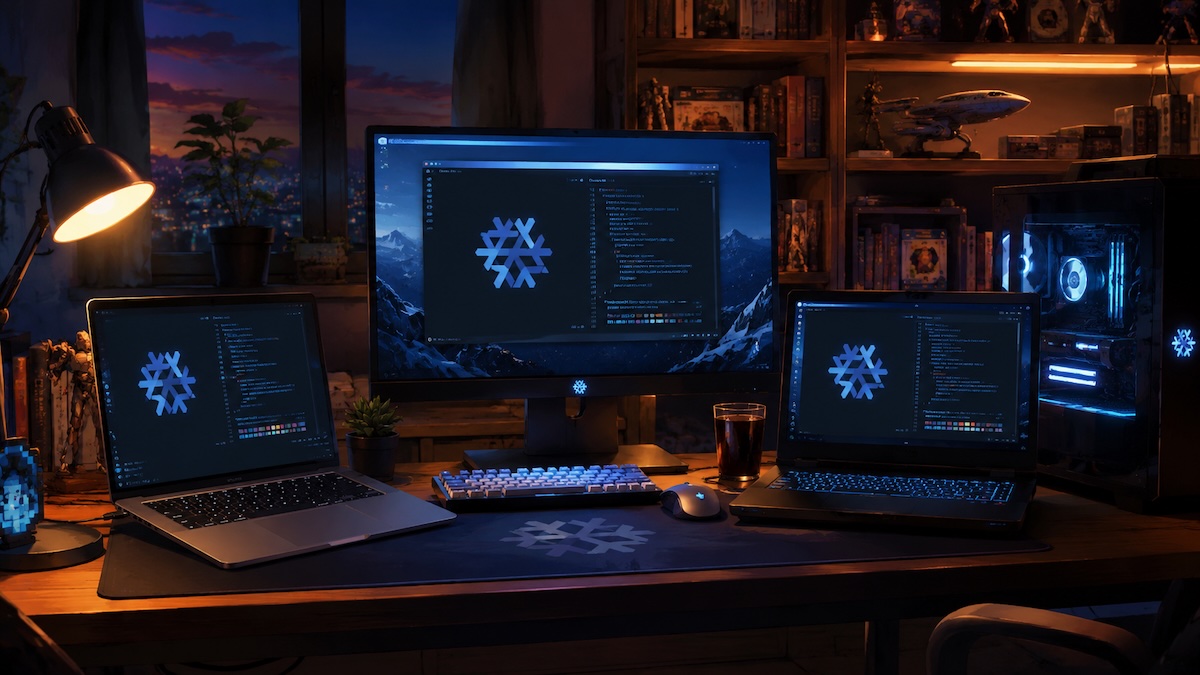
Ditching Windows and Switching to NixOS
NixOS vs. Enshittification
Jack Conte posted another banger SXSW video about AI and the creator space. It painted both a story of hope that humans would continue to seek human-created art after the impact of AI, and a mourning of the loss and ongoing disruption of so many jobs. This is coming from the CEO of a tech company that had a 20% reduction in force this week.
Linus Tech Tips has declared 2026 the year of the Linux desktop, with multiple of the hosts really trying this year to stay on Linux after a reprise of their 30-day Linux challenge. More than previous years, the push to embrace Linux came from a distaste for the enshittification of the Windows platform. As someone who daily drives a Mac, we aren’t quite feeling that. Microsoft has been criticized for making multiple consumer-unfriendly moves in the past few years. The Windows operating system now has constant ads and feels like a maze of ads for paid cloud services just to log in to Windows.
Since running more machines to form a bit of an AI lab, I’ve found that my various machines are drifting apart in configuration and becoming unwieldy. I run MacOS for my work and personal laptops. I run Ubuntu on my servers with mostly containerized workloads. I do gaming, video, and other GPU heavy work on a Windows desktop and Windows laptops. I’m carrying triple ecosystem overhead, and it’s time to simplify. It’s also a good time to preemptively attempt to levy my technology choices against present (windows) and future (various cloud services) enshittification.
I spent the last weekend switching over to NixOS, a declarative Linux distribution where a single set of declarative scripts control all the OS configuration and application installs. Configuring each app still takes some manual effort, and I have a lot to change in terms of centralized secrets management etc, but I’m having fun learning and my setup is getting more unified. The other key thing here is I get to decide exactly what I do and do not allow on my personal machines with respect to monitoring, AI, add in services etc. Switching to NixOS allows me to choose my ecosystems and tools individually and apply them everywhere rather than finding my autonomy slowly eroded by a the providing company making poor choices.
Simplification and unification is an opportunity for me to reduce my core tools and prepare for paring down the subscription cloud services that I use in my personal life.
What it Enabled
Each machine, whether by running NixOS in a VM or by blowing away the previous OS and switching to Linux outright, now has a consistent setup:
- All
- Chromium (ARM) or Google Chrome (x86) - browser
- Ghostty - terminal editor
- Zed - dev client
- Claude Code - coding agent
- /etc/hosts - why deal with home DNS when I can distribute my hosts file
- Mapped network drives
- Observability and Claude Code token monitoring telemetry shipping
- Non VMs
- Obsidian - sync’d note taker ($10 month subscription)
- Steam - for games
- Discord - chat
- Zoom - client for joining meetings
Challenges Conquered
I don’t think I would have been able to crush through all of these issues without the assistance of Claude Code, but I’ve got most of the major hurdles handled.
- Linux Kernel 6_18 compatibility with NVIDIA drivers for my various cards and needs
- Steam stability through Proton and Mesa compatibility layers
- Asus Laptop - has what’s called a MUX switch and needs special drivers and logic to determine when to use the discrete vs. integrated GPU.
- Intel T2 MacBook Broadcom proprietary driver setup for the wifi, touchpad, and keyboard on an older MacBook
- Lack of ability for the Intel MacBook’s discrete AMD GPU to return from sleep mode without crashing the machine - disable suspend.
- Mac Silicon virtualization through VMWare Fusion (thanks for making this free, Broadcom)
Things Remaining to Figure Out
- Dropbox (for the non-vms)
- Good Old Games client (mostly the need for DOSBox)
- Moving over my Various gaming peripherals like dual space flight sticks
- Tailscale - VPN from outside home to home (maybe not needed as only the Mac laptops leave home)
- Nord VPN setup
- Considering using nix to control the terminal setup of my MacOS machines. I’ll leave the MacOS side alone for now.
- Getting Star Citizen running on Linux. While I know it’s possible, I’ve heard it breaks from patch to patch, so I’m leaving around a dual boot of Windows 11 solely for Star Citizen and, to some degree, DaVinci Resolve.
- Continuing to learn how to do project-by-project dev environment setups, whether through containerization, home-manager, flox or other approaches.
- Printers and Scanners
Unlike my last few posts. This one was written by hand. That probably means I need to spell-check it or something.